How to Build a Landing Page with AI in 2026
Learn how to build a landing page with AI in 2026 using real tools and techniques. A hands-on AI app builder tutorial for developers and technical founders.
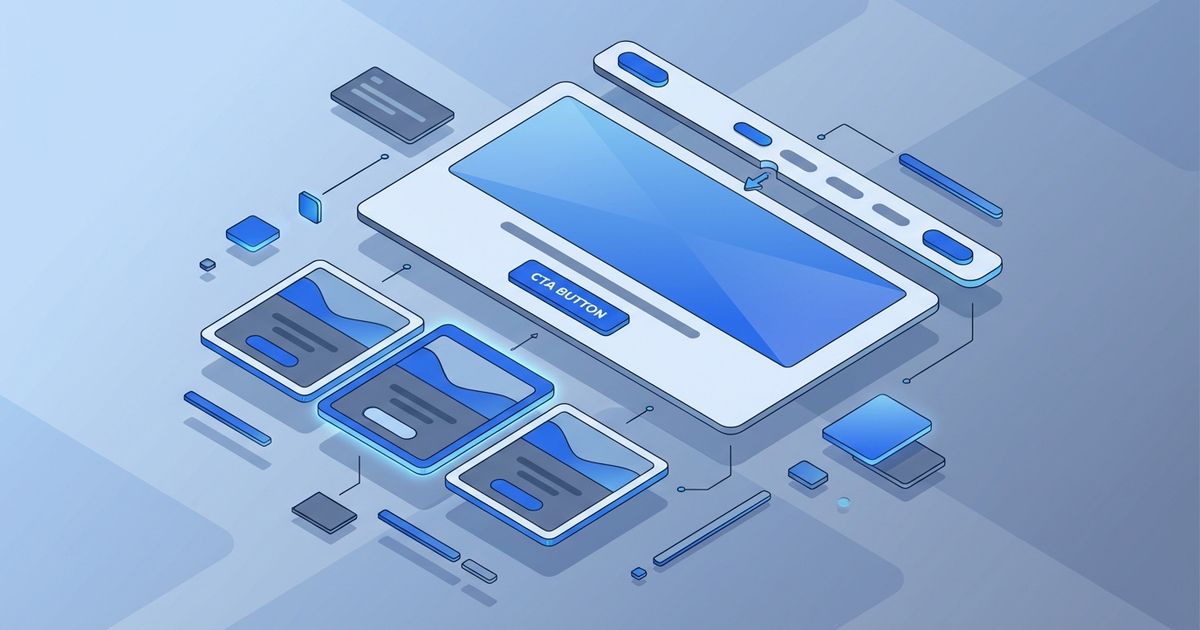
The era of spending a week hand-crafting a landing page from scratch is over. In 2026, developers and technical founders who move fast know how to leverage AI at every stage of the build — from generating copy and layout structure to wiring up forms and deploying to production. If you're still treating AI as a grammar checker for your README.md, you're leaving serious velocity on the table.
This guide is a practical, step-by-step walkthrough of how to build a landing page with AI — the way engineers actually do it today. No fluff, no vague "use AI to write your copy" advice. Just a repeatable workflow that gets you from idea to live URL in hours, not days.
Why Landing Pages Are the Perfect AI Use Case
Landing pages sit at a sweet spot for AI-assisted development. They're scoped and self-contained — no complex state management, no multi-user auth flows — but they still demand real craft: compelling copy, responsive layout, conversion-optimized structure, and fast load times.
That combination makes them ideal for AI tooling. The constraints are clear enough that AI can generate something meaningful, but the output still needs a developer's eye to tune for performance and brand fit.
More importantly, landing pages are high-stakes. A poorly converting page costs you real customers. Getting one live fast, then iterating based on real data, is a far better strategy than agonizing over pixel perfection before launch.
Step 1: Define Your Page Architecture Before You Prompt
The most common mistake developers make with AI-generated pages is starting with a vague prompt like "build me a SaaS landing page." The output is generic, and you spend more time refactoring than you saved.
Instead, spend 15 minutes defining your architecture before touching any AI tool:
Hero section: What is the one-sentence value proposition? Who is the target user?
Problem/Solution block: What pain are you solving, and how?
Feature highlights: Three to five specific features with concrete outcomes, not adjectives.
Social proof: Testimonials, user counts, logos, or case study callouts.
CTA section: What action do you want the visitor to take? What friction can you remove?
Footer: Links, legal, maybe a secondary CTA.
Write this as a short spec — even a bullet list works. This becomes the foundation of every prompt you send to an AI tool. Think of it as your system prompt for the entire build.
Step 2: Generate Your Initial Structure with an AI App Builder
Once you have your spec, it's time to generate a working scaffold. This is where modern AI app builders genuinely shine compared to previous generations of no-code tools.
Using a platform like Buildra, you can describe your landing page in natural language and get back a deployable component tree — not just a mockup, but actual code you can modify. Describe your sections, your color palette, your tech stack preferences (React, Next.js, plain HTML — whatever fits your pipeline), and let the AI handle the boilerplate.
A strong prompt at this stage looks like:
"Generate a responsive Next.js landing page for a B2B SaaS product that helps DevOps teams monitor cloud spend. Include a hero with a headline and subheadline, a three-column feature section, a testimonial block, and a CTA form that captures email and company name. Use Tailwind CSS. Keep the design clean and minimal with a dark navy and electric blue color scheme."
The more specific you are about stack and design constraints, the less cleanup you'll do later. Treat this like writing a good engineering spec, not a creative brief.
What to Expect from the Output
A good AI app builder will return:
Semantic HTML structure with proper heading hierarchy
Responsive Tailwind classes (or equivalent CSS)
Component-level separation so you can swap sections independently
Placeholder copy you can immediately start refining
Don't expect the first output to be production-ready. Expect it to be a solid 70% — which is still a massive head start over a blank file.
Step 3: Write and Refine Copy with AI Assistance
Copy is where most technically-minded founders underinvest. Good copy is not about sounding smart — it's about making your visitor feel understood in the first five seconds.
Use an AI writing assistant (ChatGPT, Claude, or the built-in copy tools in your AI builder) to generate multiple headline variants. Give it real context:
"My product helps senior DevOps engineers at Series A startups reduce AWS bill shock. Write five landing page headline options that speak directly to the pain of unexpected cloud costs. Be specific and avoid generic SaaS language."
Run through the variants and pick the one that would make your target user lean forward. Then use AI to generate subheadlines, feature descriptions, and CTA button text.
Copy Checklist Before You Move On
Headline passes the "so what?" test — it's specific, not clever
Subheadline expands on the headline without repeating it
Feature descriptions describe outcomes, not capabilities
CTA copy tells the user exactly what happens when they click
No jargon that your target user wouldn't use themselves
AI is fast at generating options. Your job is to be a sharp editor, not a blank-page writer.
Step 4: Wire Up Interactivity and Integrations
A landing page without a working form is a brochure. You need at minimum:
Email capture form connected to your CRM or mailing list (Resend, Mailchimp, ConvertKit, etc.)
Form validation on both client and server side
Success state — what does the user see after submitting?
Analytics tracking — at minimum, a pageview event and a form submission event
Use AI to generate the integration code. A prompt like "Write a Next.js API route that accepts a POST request with email and company fields, validates them server-side, and adds the contact to a Resend audience" will get you 90% of the way to working code in under a minute.
If you're using Buildra or a similar AI builder, many of these integrations are available as configurable blocks — you connect your API keys and the plumbing is handled for you. That's the real productivity unlock: not just code generation, but pre-built, tested integration patterns.
Performance Considerations
AI-generated pages can sometimes be bloated. Before you ship, run your page through Lighthouse and check:
LCP (Largest Contentful Paint): Should be under 2.5 seconds
CLS (Cumulative Layout Shift): Should be under 0.1
Image optimization: Use
next/imageor equivalent — don't let AI generate raw<img>tags withoutwidthandheightattributesFont loading: Preload your primary font, avoid layout shifts from font swap
These aren't optional polish items. Core Web Vitals directly impact your Google ranking, especially for competitive SaaS keywords.
Step 5: SEO Foundations That AI Often Gets Wrong
AI tools are getting better at SEO, but there are still patterns that slip through. Audit these manually before launch:
Meta tags: Confirm your <title> tag is unique, under 60 characters, and includes your primary keyword. Your meta description should be under 155 characters and written to earn clicks, not just rank.
Heading hierarchy: AI-generated pages sometimes produce multiple <h1> tags or skip heading levels. You want exactly one <h1> (your hero headline), logical <h2> sections, and <h3> for subsections.
Structured data: For a landing page, a basic Organization or WebPage schema is worth adding. It takes five minutes with AI generation and can improve how your page appears in search results.
Open Graph tags: These don't directly affect ranking but affect click-through rate from social shares and Slack previews. Generate them with AI, but make sure the OG image is actually designed, not just a white background with text.
Canonical URL: Especially important if you're running A/B tests or have the page accessible at multiple URLs.
Step 6: Deploy, Test, and Iterate
Deploy early. Seriously. Get the page live on your production domain — or at minimum a staging URL — before you think it's ready. Real browser testing on real devices reveals issues that no simulator catches.
Your deploy checklist:
-
Test form submission end-to-end in production
-
Verify analytics events fire correctly
-
Check mobile layout on at least two different screen sizes
-
Confirm SSL certificate is active
-
Test page load speed from a location similar to your target market
-
Submit URL to Google Search Console
Once live, set a 72-hour rule: do not make major changes based on gut feel. Let your analytics run. Look at scroll depth, time on page, and form conversion rate before deciding what to change. AI can help you generate copy or layout variants to A/B test, but let data — not instinct — drive the decisions.
Conclusion: The Real Advantage Is Iteration Speed
The point of using AI to build a landing page isn't to produce a perfect page on the first try. It's to get a solid version live fast, then iterate faster than your competitors can.
In 2026, the developers and founders who win are the ones who have developed a repeatable system: clear spec → AI-generated scaffold → manual refinement → deploy → data-driven iteration. Each loop takes hours instead of days, and each iteration compounds.
Tools like Buildra exist precisely to collapse that loop — giving you a working foundation that a competent engineer would be proud of, without the setup overhead. But the AI is only as good as the clarity you bring to it. Define your architecture, write precise prompts, review the output critically, and ship.
The page that exists and converts at 3% beats the perfect page that's still in Figma every single time.
Build this yourself